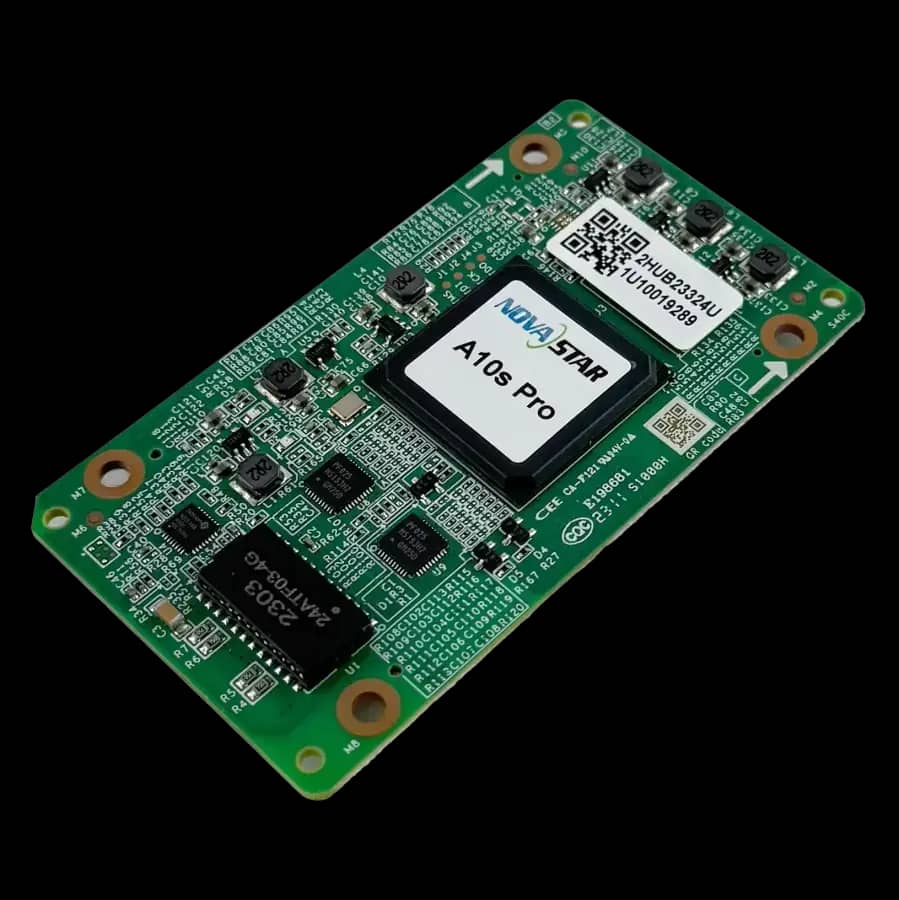
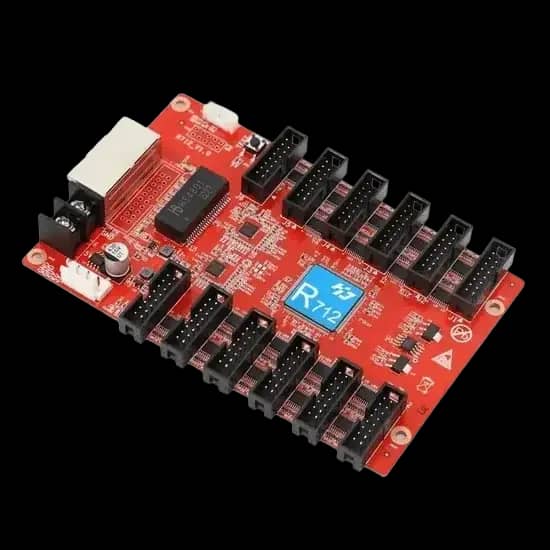
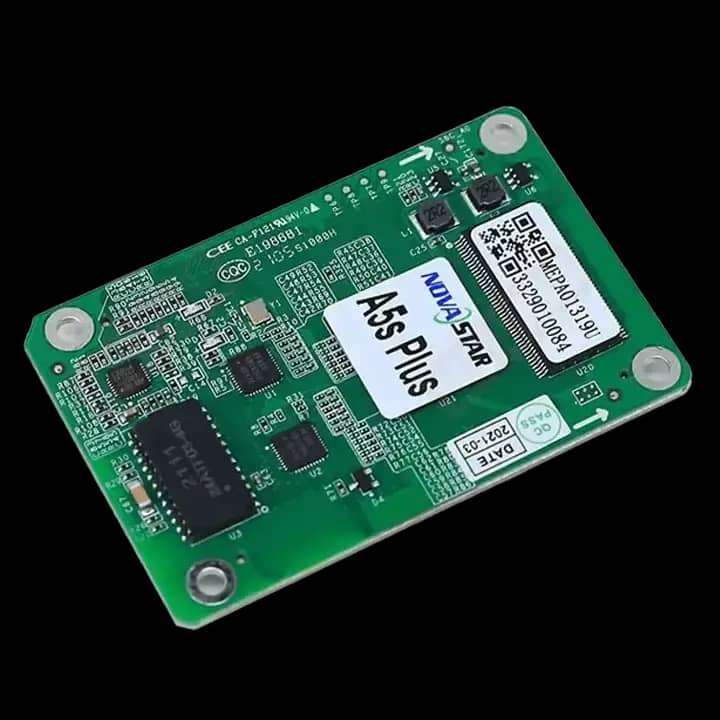
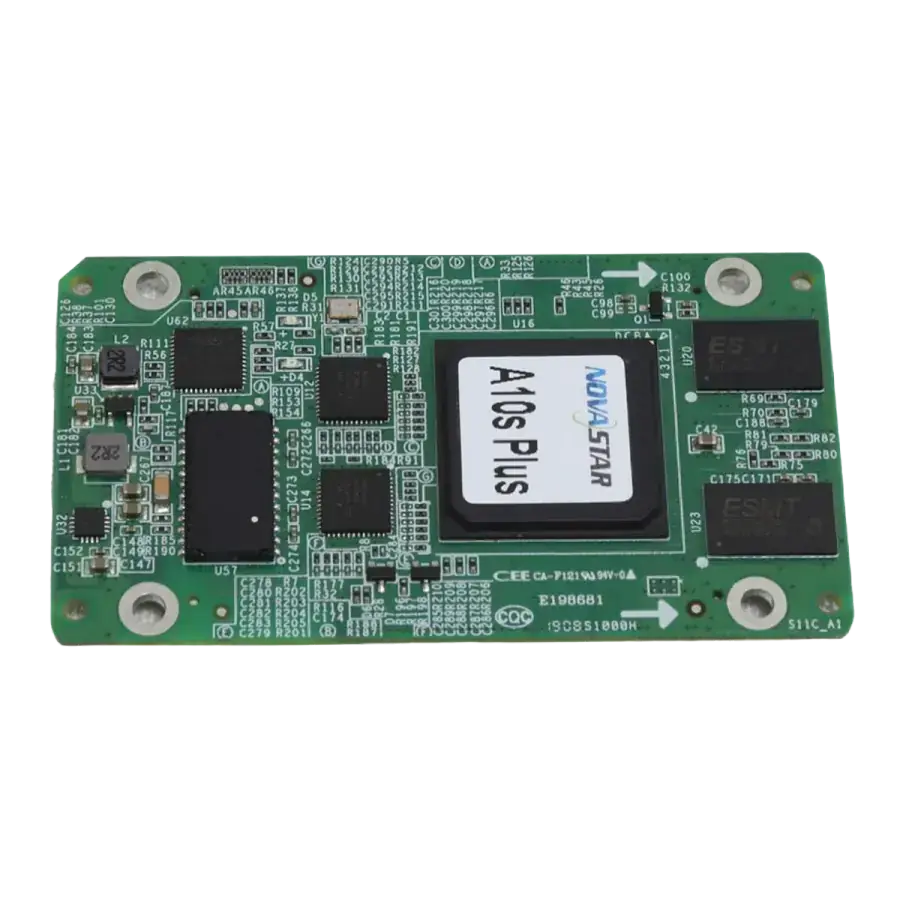
NovaStar A5s Plus LED Display Receiving Card

NovaStar A5s Plus LED Display Receiving Card

৳ 3,250

Key Features

  • NovaStar A5s Plus receiving card for LED display cabinets
  • Suitable for LED module control and cabinet-level screen mapping
  • Practical for replacement and maintenance projects when compatible
  • Used in indoor LED display and LED video wall workflows
  • Arozex compatibility verification and support available

Product Description

The NovaStar A5s Plus LED Display Receiving Card is a widely used receiving card option for LED cabinet systems that need stable data receiving and LED module control. It can be used in indoor LED display, commercial signage, LED video wall, and replacement receiving card projects when compatibility is verified. Arozex Technologies checks controller brand, cabinet file, module type, scan settings, and firmware before recommending the final receiving card.

Product Specification

Brand
NovaStar
Model
A5s Plus
Product Type
LED display receiving card
Application
LED display cabinet receiving and module control
Compatibility
Selected NovaStar controller and cabinet configurations
Service
Supply, compatibility check, setup, and replacement support

NovaStar A5s Plus LED Display Receiving Card Compatibility Planning

LED display control products should be checked with the full screen design before purchase or replacement.

Controller Ecosystem

Confirm the sending device, receiving card, firmware, cabinet file, and software workflow before installation.
Screen Resolution

Total pixel count, cabinet quantity, Ethernet loading, and content source determine whether the control system has enough capacity.

Configuration Backup

Save cabinet files, scan settings, mapping data, and firmware details so future service work can be done safely.
Before Installing NovaStar A5s Plus LED Display Receiving Card

Check controller brand, receiving card model, firmware version, and software compatibility.
Confirm module scan type, cabinet layout, HUB interface, and Ethernet port routing.
Test content input, refresh rate, grayscale, brightness control, and full-screen mapping.
Keep configuration files and wiring notes available for future troubleshooting.