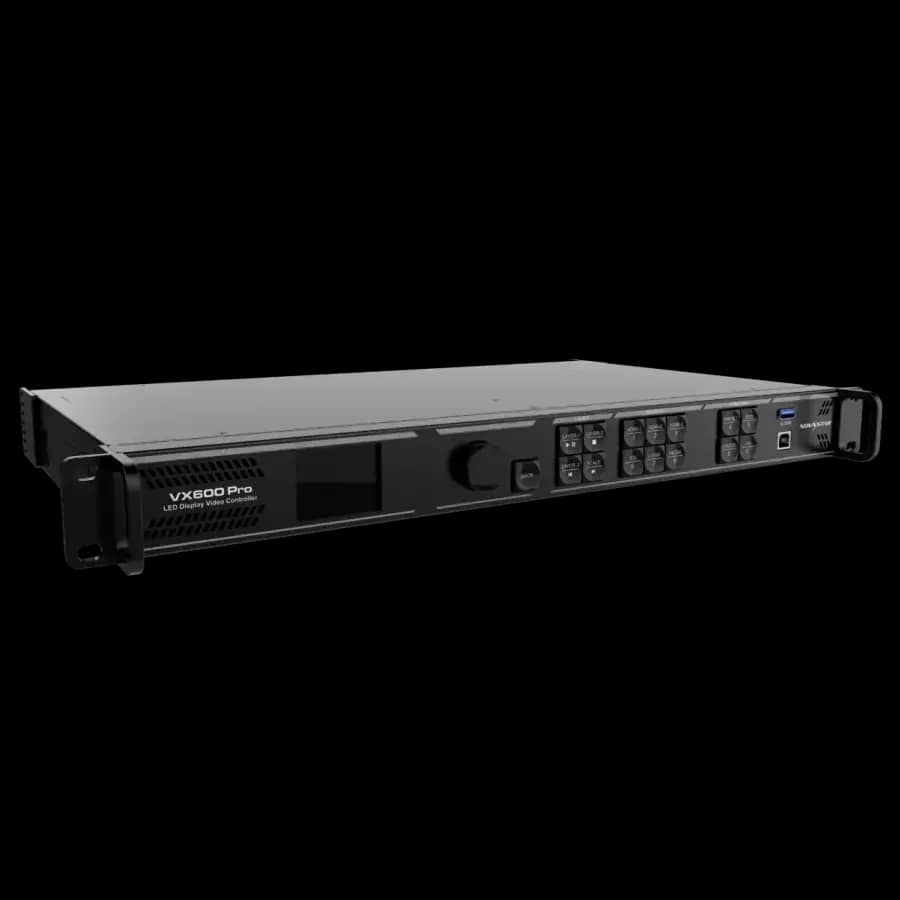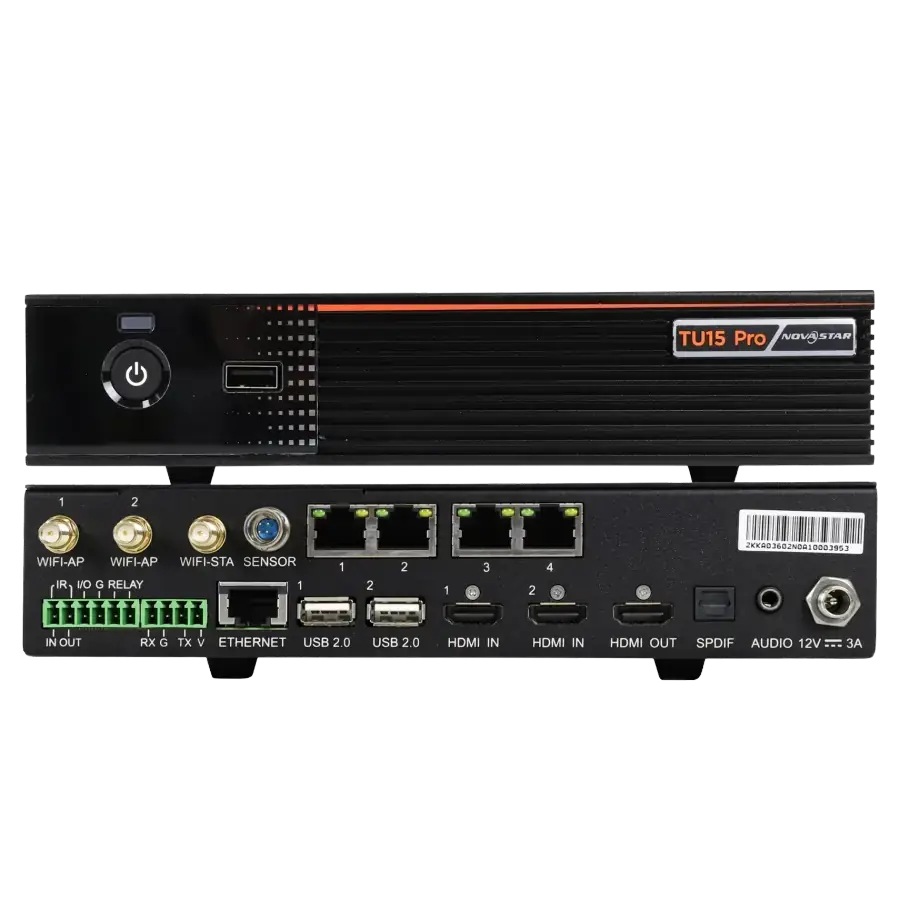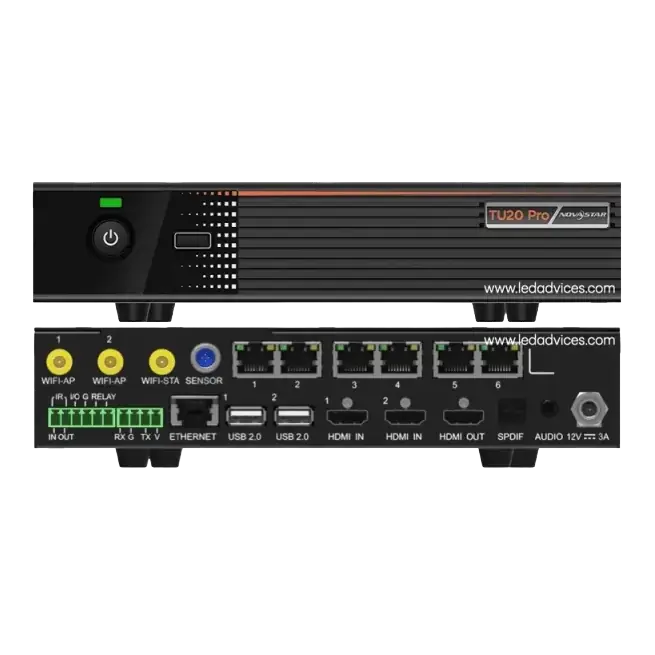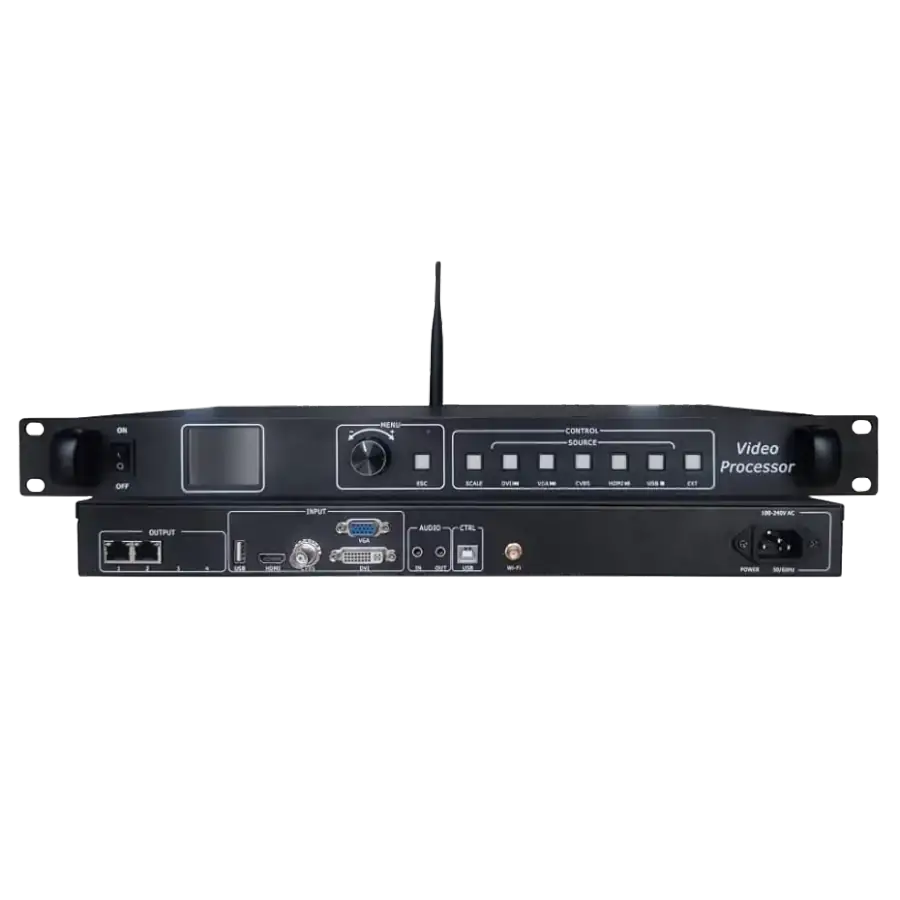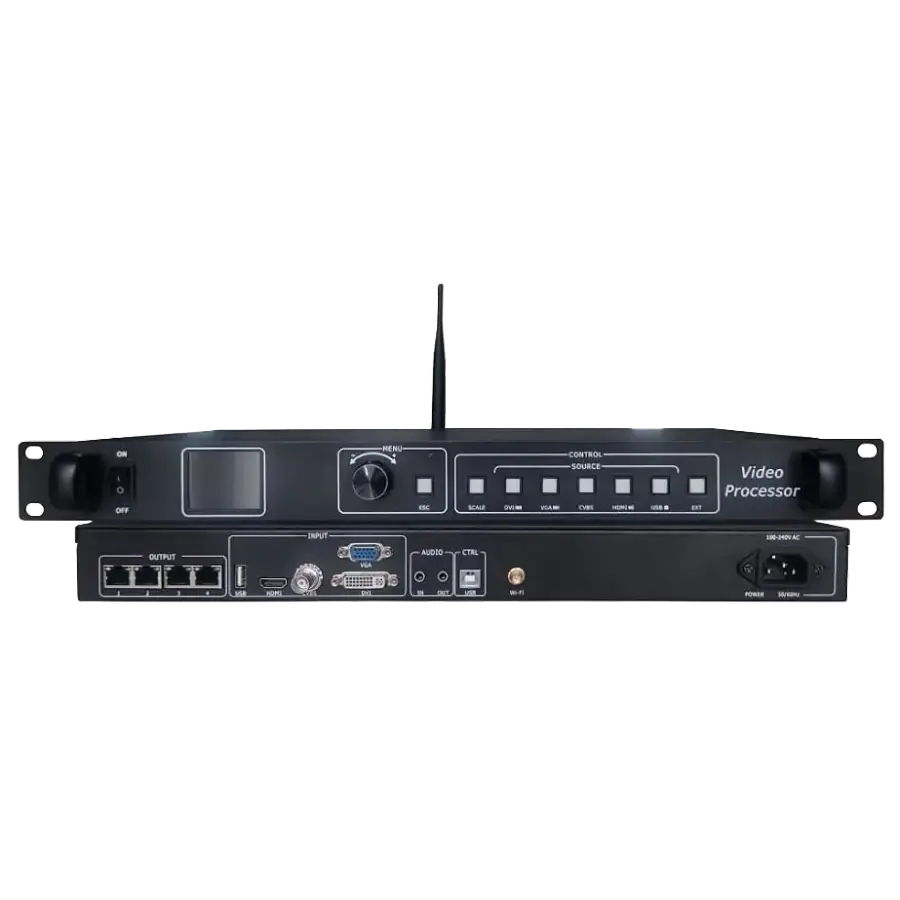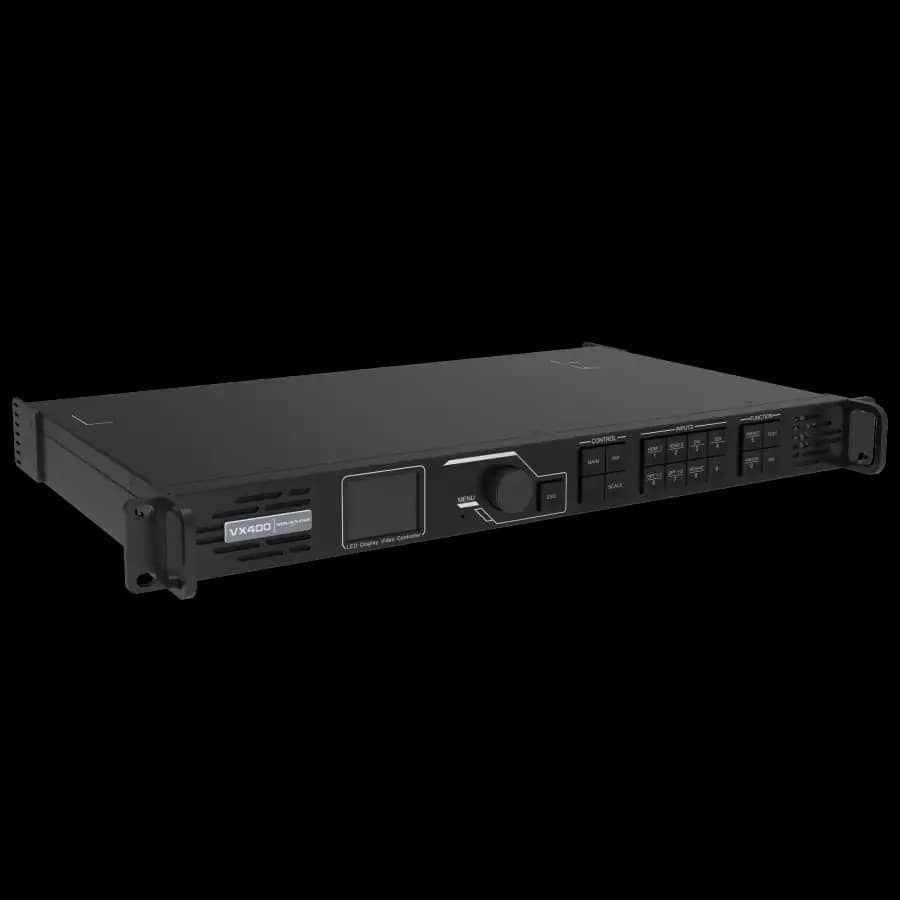
NovaStar VX400 Pro LED Video Processor
৳ 170,000
A professional LED Display Controller is the part of the system that decides whether a screen feels engineered or merely assembled. It receives video or media, processes the signal, maps pixels to cabinets, communicates with receiving cards, and gives operators a stable way to run an Indoor LED Display, Outdoor LED Display, or LED Video Wall. This guide explains controller selection for Bangladesh projects without treating the controller as an afterthought.
Engineers, system integrators, government procurement teams, event companies, corporate buyers, and LED display installers can use this page as a field checklist before buying a NovaStar Controller, Huidu Controller, LED Video Processor, LED Screen Controller, or Receiving Card Controller. For the broader display category, start from the main LED Display pillar page.
An LED Display Controller is the command and signal-management device between the content source and the LED cabinets. In a simple installation, the source may be a laptop, media player, signage player, camera switcher, or networked content device. In a more complex installation, the source may be a matrix switcher, control-room processor, broadcast chain, or live event console. The controller accepts that signal, scales or processes it when needed, then sends mapped data to the receiving cards installed behind the LED modules.
The controller is not just a cable adapter. It controls canvas size, input format, output routing, brightness behavior, refresh stability, color depth, redundancy options, and operator workflow. A weak controller choice can make a premium display look poor, even if the LED modules are good. A correct controller choice can make a practical LED Display stable, serviceable, and easy to operate for years.
In Bangladesh, controller selection also has local realities: generator-backed power, long cable runs, humid service environments, mixed operator skill levels, tight installation deadlines, and procurement documents that often describe the screen but forget the control chain. Arozex treats controller planning as part of the complete display architecture, along with cabinet layout, power supply, receiving card mapping, and maintenance access.
The practical signal path is source to processor, processor to sender output, sender output to receiving cards, receiving cards to LED modules. Some products combine the video processor and sender in one chassis. Others separate the video processor from the sending card. The correct architecture depends on screen resolution, number of inputs, operator workflow, and whether the screen is a fixed installation, rental stage, billboard, meeting room, or command center wall.
| Stage | What Happens | Engineering Check |
|---|---|---|
| Input | HDMI, DVI, SDI, DP, USB playback, network media, or signage source enters the controller or LED video processor. | Confirm source resolution, refresh rate, cable length, converter quality, and backup source requirement. |
| Processing | The controller scales the image, crops the canvas, switches sources, manages layers, or passes the signal to sender outputs. | Match processing capacity with the actual LED screen pixel resolution, not only the physical screen size. |
| Sending | The LED screen controller sends display data over Ethernet outputs to the receiving cards. | Calculate loading capacity per port and leave headroom for stable operation. |
| Receiving | The receiving card drives the LED modules according to cabinet mapping and scan parameters. | Keep backup configuration files and confirm card model, firmware, and cabinet wiring before handover. |
| Display | The LED modules reproduce the mapped image as one continuous screen. | Check brightness, color uniformity, grayscale, refresh, dead pixels, and content readability from real viewing distance. |
This is why the controller should be chosen after calculating actual pixels. A 10-foot-wide screen can be easy or difficult depending on pixel pitch. A P1.25 indoor screen carries far more pixels than a P4 outdoor screen of the same physical size. Controller capacity follows pixels, not the appearance of size.
The phrase LED Controller Bangladesh can refer to several device families. For a small signboard, an asynchronous controller with internal storage may be enough. For a corporate lobby wall, a synchronous all-in-one controller may be better. For a live event screen, a stronger LED Video Processor may be needed because the operator must switch laptops, cameras, media servers, and sponsor graphics quickly.
Synchronous and asynchronous control are not quality grades. They are operating models. A synchronous controller follows a live input source, so it is the natural choice when people expect the LED screen to behave like a large monitor. An asynchronous controller stores content and plays it without a constant live computer source, so it is useful for signage workflows.
| Factor | Synchronous Controller | Asynchronous Controller |
|---|---|---|
| Best project type | Conference rooms, stages, control rooms, premium indoor LED displays, live camera feeds, and large LED video walls. | Retail signage, small public information screens, schedule boards, shop signs, and displays that run saved content. |
| Content source | Live HDMI, DVI, DP, SDI, switcher, media server, laptop, signage player, or processor output. | USB, LAN, Wi-Fi, cloud publishing, local storage, or scheduled media playback. |
| Operator workload | Needs source management and sometimes a trained operator during events or meetings. | Needs content scheduling and occasional updates, usually less live operation. |
| Risk if chosen wrong | Overkill for a simple signboard and may require unnecessary operator steps. | Wrong for live presentations, camera feeds, and real-time command center displays. |
For procurement, state the operating model clearly. If the screen must show Zoom calls, live cameras, switcher output, or control-room dashboards, specify synchronous control. If the screen will mostly show scheduled ads or notices, asynchronous control may be sufficient.
An LED Video Processor prepares the source image before it reaches the LED display sender output. It may scale a 1920x1080 laptop feed to a custom LED canvas, crop an image to fit a long banner screen, switch between inputs, place a logo layer over a camera feed, or split output to multiple sending ports. In many all-in-one controllers, the processor and sending system are inside the same device.
The processor matters most when the screen is not a standard 16:9 rectangle. LED displays are modular, so they are often built as wide banners, tall portrait displays, lobby walls, stage backdrops, or custom architectural surfaces. A processor makes those unusual canvas sizes usable with normal sources. Without proper processing, operators fight stretched images, black borders, wrong aspect ratios, or unstable switching.
For a professional LED Video Wall, the processor should be selected with the content workflow. A boardroom may need clean laptop scaling and quick source switching. An event company may need multiple inputs, preview discipline, and fast operator control. A billboard may need stable scheduled playback more than live switching. A control room may need a separate visualization processor before the LED controller.
NovaStar is one of the most common controller ecosystems used in professional LED display projects. In Bangladesh, NovaStar Controller options are frequently specified for corporate boardrooms, government command centers, control rooms, event venues, broadcast sets, showrooms, and premium indoor LED video walls. The reason is not only brand recognition; the ecosystem is mature across sending devices, receiving cards, software tools, calibration workflow, and installer familiarity.
NovaStar VX series products are often selected where all-in-one processing and controller output are needed in a single unit. NovaStar TU series controllers are useful when a smart all-in-one operation model fits the project. For fine-pitch indoor projects, matching the NovaStar controller with the correct receiving card and configuration file is as important as choosing the controller body itself.
| NovaStar Model | Practical Fit | Engineering Note |
|---|---|---|
| NovaStar VX400 Pro | Small to medium corporate LED display, showroom screen, meeting room wall, retail LED screen. | Good when a compact all-in-one controller with practical processing is enough. |
| NovaStar VX600 | Medium to larger LED display, event backdrop, government or corporate LED video wall. | Use when pixel capacity, source handling, or future expansion needs more headroom. |
| NovaStar TU15 Pro | Smart signage, meeting room display, education display, indoor digital signage. | Useful when integrated content workflow matters as much as display output. |
| NovaStar TU20 Pro | Larger smart LED display projects and managed commercial signage. | Consider when the TU workflow is preferred but the project needs stronger capacity. |
Huidu Controller and Huidu Video Processor options are popular where the project needs a practical balance between cost, function, and serviceability. Huidu is common in retail signage, school and university displays, small to medium event screens, shopfront LED screens, and many commercial LED display installations. For some projects, a Huidu VP210H or Huidu VP410H can provide the right feature set without forcing the buyer into a higher budget class.
The main caution is compatibility discipline. A Huidu processor should be paired with the proper Huidu receiving card system, correct cabinet configuration, and suitable output loading. It is not enough to choose by brand name. The installer must verify scan type, module resolution, cabinet wiring, screen pixel count, firmware, and backup settings.
Huidu can be a strong choice for an Outdoor LED Display or indoor signage screen when the content workflow is clear and the required inputs are known. For complex command centers or high-end camera-facing work, Arozex usually reviews the full signal chain before confirming whether Huidu, NovaStar, or a different processor architecture is the better fit.
The right controller is the smallest reliable system that covers the screen's real pixel load, source workflow, operator needs, and maintenance plan. Oversizing wastes budget, but undersizing causes field problems that cost more than the original saving. A good selection starts with drawings, not with a model number.
Controller compatibility begins with the LED display's physical and pixel design. A controller that works for one screen may be wrong for another screen even if both are described as P2.5. Module size, cabinet resolution, receiving card layout, scan type, refresh target, and total pixel count all affect the controller plan.
| Display Factor | Why It Affects Controller Choice | Field Recommendation |
|---|---|---|
| Pixel pitch | Smaller pitch creates more pixels per square meter and needs more controller capacity. | Calculate total width pixels x height pixels before selecting the LED screen controller. |
| Indoor brightness | Indoor displays need smooth low-brightness behavior, especially in meeting rooms and showrooms. See Controller for Indoor LED Display planning. | Check grayscale and flicker at the brightness level the client will actually use. |
| Outdoor brightness | Outdoor screens need daylight brightness, scheduled dimming, and reliable signal routing. See Controller for Outdoor LED Display planning. | Confirm brightness control, weatherproof cable route, grounding, and service access. |
| Cabinet layout | Cabinet direction and Ethernet routing decide how output ports are loaded. | Draw the cabinet map before installation and keep a copy with the maintenance file. |
| Content format | A long banner, portrait screen, or unusual aspect ratio needs better processing than a standard 16:9 wall. | Match processor scaling features with the content team workflow. |
The controller and receiving card must speak the same ecosystem language. A receiving card is mounted in the LED cabinet and controls the LED modules inside that cabinet or cabinet section. It receives data from the controller and turns that data into the electrical signals needed by the module rows and columns.
For new projects, controller and receiving card should be purchased and configured as one control system. For repair or upgrade projects, the first step is to identify the existing receiving card brand and model. Replacing only the sender without checking the receiving cards can create scan mismatch, color problems, wrong mapping, or a screen that does not display at all. Review the dedicated LED Display Receiving Card resource before changing controller hardware.
| Compatibility Check | What to Verify | Why It Matters |
|---|---|---|
| Brand ecosystem | NovaStar with NovaStar receiving cards, Huidu with supported Huidu cards, or another confirmed ecosystem. | Mixed ecosystems are possible only in specific cases and should not be assumed in procurement. |
| Firmware and software | Controller firmware, receiving card firmware, and configuration software version. | Version mismatch can cause upload failure, missing features, or unstable output. |
| Cabinet file | RCFGX, CON, or equivalent receiving card configuration file depending on system. | The backup file saves scan, module, and cabinet behavior for maintenance. |
| Port loading | Number of pixels assigned to each Ethernet output. | Overloaded outputs may cause signal failure or unstable screen behavior. |
Pixel pitch is a practical shortcut for estimating controller demand, but it should never replace actual pixel calculation. A P1.25 wall has four times the pixel density of a P2.5 wall. That means a fine-pitch corporate display may require a stronger controller than a physically larger outdoor billboard.
| Pixel Pitch | Typical Project | Controller Direction |
|---|---|---|
| P1.25 to P1.53 | Premium boardroom, studio, control room, close-view LED Video Wall. | Use NovaStar class control with careful receiving card selection, calibration, and enough pixel capacity headroom. |
| P1.667 to P1.86 | Corporate display, showroom, command room, training room, premium signage. | NovaStar VX/TU or equivalent professional controller; confirm exact screen resolution. |
| P2 to P2.5 | Retail screen, conference display, auditorium wall, school display, indoor event screen. | NovaStar VX400 Pro, TU15 Pro, Huidu VP210H, or similar capacity after pixel count verification. |
| P3 indoor | Stage backdrop, shopping mall signage, mosque or school display, larger indoor screen. | Huidu VP210H/VP410H or NovaStar VX series depending on source workflow and size. |
| P4 to P8 outdoor | Outdoor billboard, building signage, roadside LED screen, public information display. | Controller choice depends heavily on width, height, brightness control, signal route, and scheduled playback requirement. |
Screen size recommendations must be used carefully because physical dimensions do not reveal resolution by themselves. Still, buyers often start with width and height, so the table below gives a practical first-pass planning guide before final engineering calculation.
| Screen Class | Common Use | Controller Planning Direction |
|---|---|---|
| Small screen under 6 sqm | Shop display, reception signage, school notice screen, compact presentation wall. | Smart controller or entry all-in-one processor may be sufficient if the pixel count is moderate. |
| 6 to 15 sqm | Conference room, retail wall, showroom screen, indoor event display. | NovaStar VX400 Pro, TU15 Pro, Huidu VP210H, or equivalent should be checked against total resolution. |
| 15 to 35 sqm | Auditorium screen, larger corporate wall, stage backdrop, shopping mall display. | Use a controller with more output headroom such as NovaStar VX600 or Huidu VP410H class systems. |
| 35 sqm and above | Large outdoor billboard, public display, command center wall, major event screen. | Engineer port loading, redundancy, processor workflow, cooling, service access, and backup control plan. |
For the display side of the project, compare this controller guide with the main LED Display price and product page before final budgeting.
A controller specification should be written like an engineering requirement, not a shopping note. The best tender documents state the screen resolution, controller ecosystem, input source expectations, receiving card compatibility, configuration backup, training, and service scope. This protects the buyer and gives installers a clear basis for quoting.
| Step | Question to Answer | Why It Protects the Project |
|---|---|---|
| 1. Confirm screen resolution | What is the exact pixel width and pixel height of the LED display? | Controller capacity is based on pixels, not diagonal size or square feet. |
| 2. Confirm input workflow | Will the screen show laptop, media player, camera, switcher, signage CMS, or scheduled playback? | Input workflow decides whether you need a basic controller, all-in-one controller, or stronger video processor. |
| 3. Confirm receiving card | Which receiving card model is inside the cabinets? | The controller must match the receiving card system and configuration file. |
| 4. Confirm operation model | Will operators run it live, schedule content remotely, or leave it in automatic playback? | Operation model decides synchronous, asynchronous, or smart controller workflow. |
| 5. Confirm service plan | Who keeps the backup file, firmware notes, wiring diagram, and spare parts list? | Good documentation reduces downtime during future service calls. |
Most controller problems are preventable. They usually come from rushing the selection before the display design is complete, or from treating the controller as an accessory instead of a core part of the LED system. These are the mistakes Arozex sees most often during upgrade, repair, and takeover work.
| Mistake | What Goes Wrong | Better Practice |
|---|---|---|
| Choosing by brand only | A good brand in the wrong capacity class can still fail the project. | Choose by resolution, input workflow, receiving card, and service plan. |
| Ignoring receiving cards | The new controller cannot communicate correctly with existing cabinet cards. | Audit the receiving card controller layer before buying replacement hardware. |
| No output headroom | A port is overloaded, future expansion is blocked, or the system becomes unstable. | Leave practical pixel headroom and document port loading. |
| Wrong processor workflow | Operators struggle with stretched content, wrong aspect ratio, or slow source changes. | Select the LED Video Processor around the real content workflow. |
| No backup file | A later service visit becomes risky because the screen map and card settings are missing. | Keep controller configuration, receiving card file, firmware notes, and wiring map after handover. |
Controller installation begins before the controller is powered on. The team should know screen resolution, cabinet order, cable route, source location, power distribution, network access, and operator location. A clean installation makes troubleshooting easier and keeps service visits short.
Installation practices differ between a clean corporate Indoor LED Display and a weather-exposed billboard. The controller method should follow the display environment, not a generic rack habit.
Good troubleshooting follows the signal path. Start with the source, then the processor, sender outputs, cable route, receiving cards, cabinet power, and LED modules. Jumping directly to module replacement wastes time when the real issue is often a source format, cable, mapping, or configuration problem.
| Symptom | Likely Area | First Checks |
|---|---|---|
| No image on full screen | Input source, controller input, sender output, or power. | Check source resolution, selected input, controller status, output connection, and screen power. |
| One cabinet column is missing | Ethernet route, receiving card, cabinet power, or port mapping. | Check cable order, receiving card indicator, cabinet power supply, and screen connection file. |
| Image is stretched or cropped | Video processor scaling or canvas setup. | Check output resolution, custom canvas, scaling mode, and content aspect ratio. |
| Flicker on camera | Refresh rate, scan setting, brightness, or camera shutter mismatch. | Confirm refresh configuration, receiving card setting, camera shutter, and processor output format. |
| Color mismatch after service | Receiving card file, calibration data, module batch, or brightness setting. | Reload backup configuration, compare module batch, and recalibrate if needed. |
The table below is a practical comparison for Bangladesh LED display buyers. Final model selection still requires screen resolution, receiving card data, and input workflow, but this gives a useful procurement starting point.
| Product | Type | Best Fit | Selection Note |
|---|---|---|---|
| NovaStar VX400 Pro | All-in-one LED controller / video processor | Small to medium indoor display, showroom wall, meeting display. | Choose when professional NovaStar control is needed in a compact project. |
| NovaStar VX600 | Higher-capacity all-in-one controller | Medium and larger LED video walls, event screens, institutional displays. | Choose when the project needs more output headroom or source flexibility. |
| NovaStar TU15 Pro | Smart all-in-one controller | Digital signage, meeting rooms, education displays, retail screens. | Choose when integrated operation and content workflow are important. |
| NovaStar TU20 Pro | Higher-capacity smart controller | Larger managed signage and commercial LED display systems. | Choose when TU workflow fits but TU15-class capacity is too limited. |
| Huidu VP210H | LED video processor | Value-focused small and medium screens, retail, training, event use. | Choose when practical processing is needed with controlled budget. |
| Huidu VP410H | Larger LED video processor | Commercial display, event screen, outdoor screen, larger LED wall. | Choose when more processor flexibility and size headroom are needed. |
An LED Display Controller is the control system that receives a video or media signal, processes it, and sends mapped display data to receiving cards inside the LED cabinets. It defines resolution handling, source input, refresh behavior, screen mapping, brightness control, and operational workflow.
NovaStar is usually selected for premium corporate, government, broadcast, control room, and large LED video wall projects where processor quality, calibration, and ecosystem support are important. Huidu is often a strong value choice for signage, retail, event, and many small to medium LED display installations. The right choice depends on screen size, receiving card type, input sources, budget, and service expectation.
Not always. Many modern all-in-one controllers include video processor functions such as scaling, source switching, and screen output. Larger LED displays, multi-source control rooms, rental stages, or broadcast workflows may still require a dedicated video processor or a higher-capacity all-in-one processor-controller.
A controller can run both indoor and outdoor LED displays when the resolution, receiving card system, scan configuration, brightness workflow, and environmental operation are compatible. Outdoor projects need extra attention to brightness control, signal distance, cabinet access, weatherproof routing, and service backup.
The controller sends processed display data to receiving cards. Receiving cards are installed inside LED cabinets and translate that data into module-level output. Controller brand, receiving card model, cabinet wiring, scan type, and configuration file must match for stable operation.
For many P2 and P2.5 indoor LED display projects, a NovaStar VX400 Pro, NovaStar TU15 Pro, Huidu VP210H, or similar capacity controller may be suitable. The final model should be selected after calculating total pixel resolution, screen dimensions, input source requirements, and receiving card compatibility.
Outdoor billboards commonly need a controller or video processor with enough output capacity, stable brightness control, long signal route planning, and service-friendly configuration backup. NovaStar VX600 or Huidu VP410H class systems are often considered, but the final selection depends on pixel pitch, total resolution, display size, and input workflow.
Yes. Arozex Technologies supplies LED controllers, video processors, receiving cards, and complete LED display systems in Bangladesh. Support includes model selection, screen mapping, cabinet configuration, brightness and color calibration, testing, backup file handover, operator training, and after-sales service.
Share your screen size, pixel pitch, cabinet count, receiving card model, source devices, and installation environment. Arozex Technologies will recommend a suitable NovaStar Controller, Huidu Controller, LED Video Processor, or complete LED screen controller system for Bangladesh conditions.