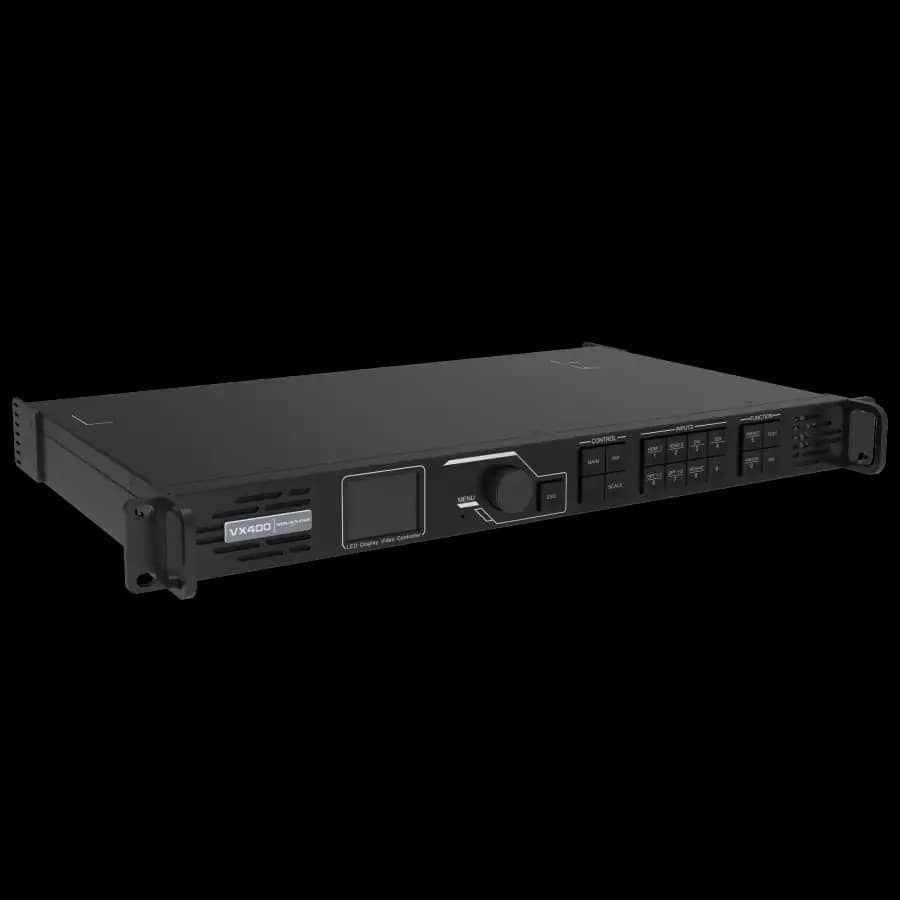
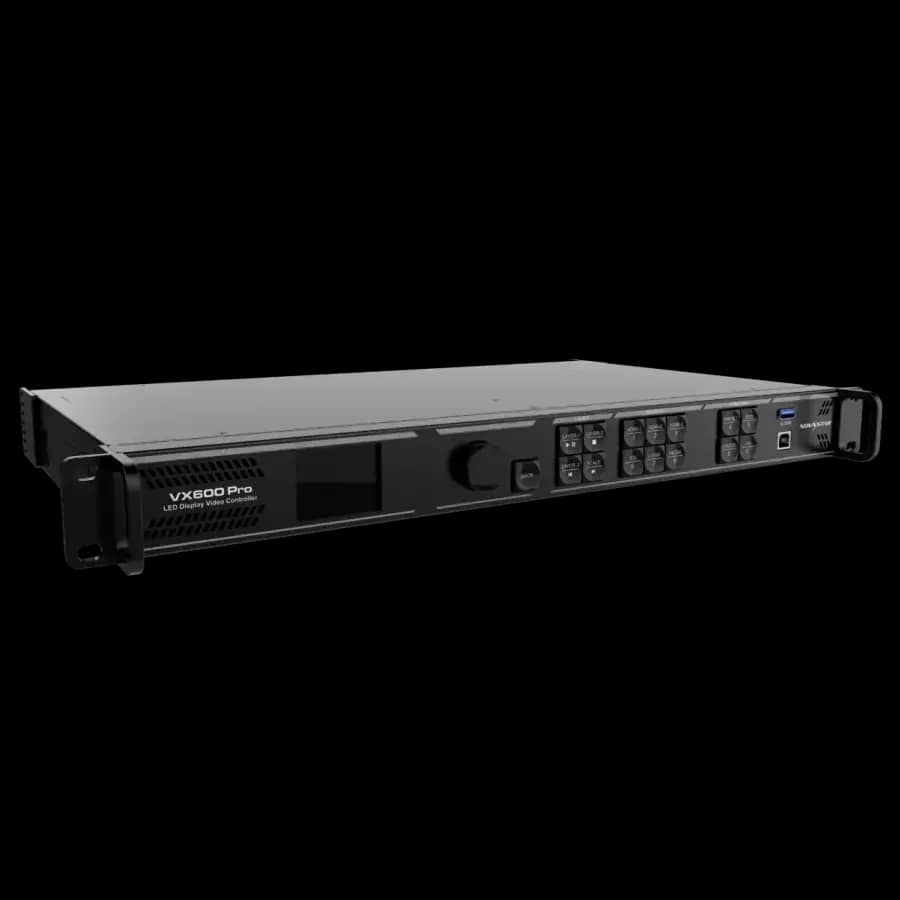
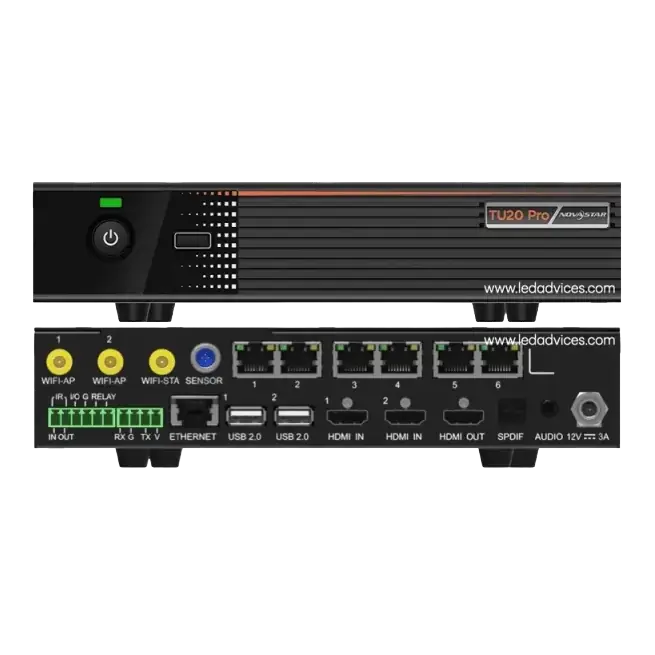
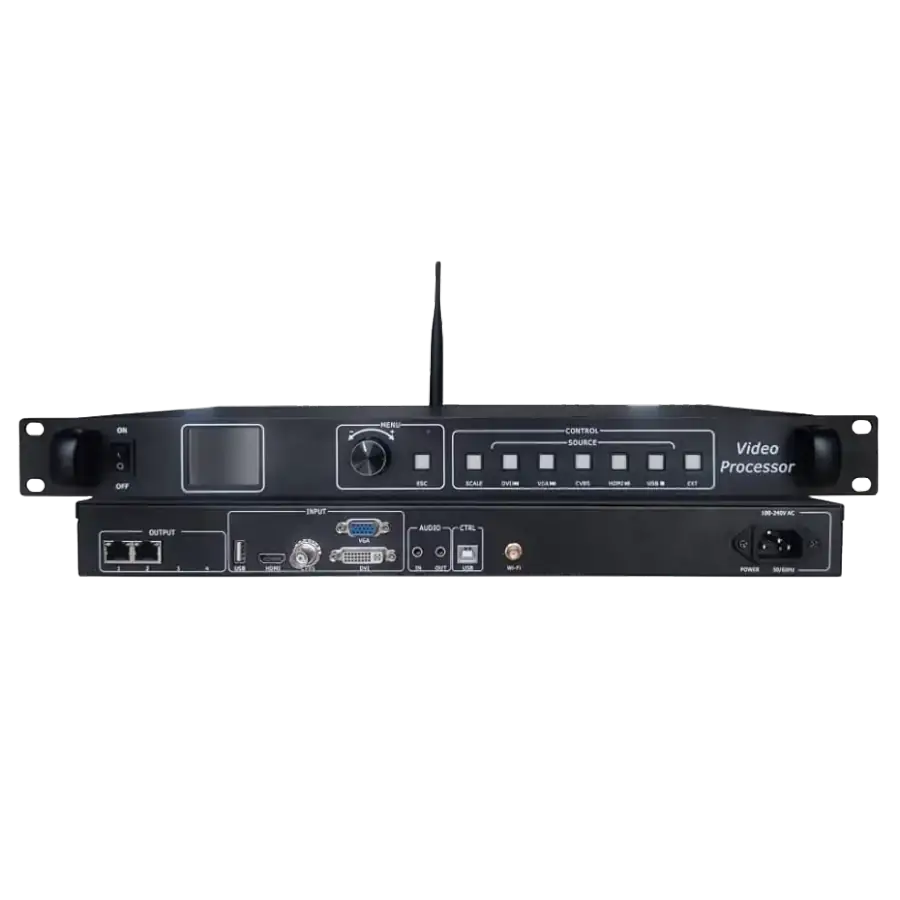
Controller Ecosystem
Confirm the sending device, receiving card, firmware, cabinet file, and software workflow before installation.
৳ 118,500
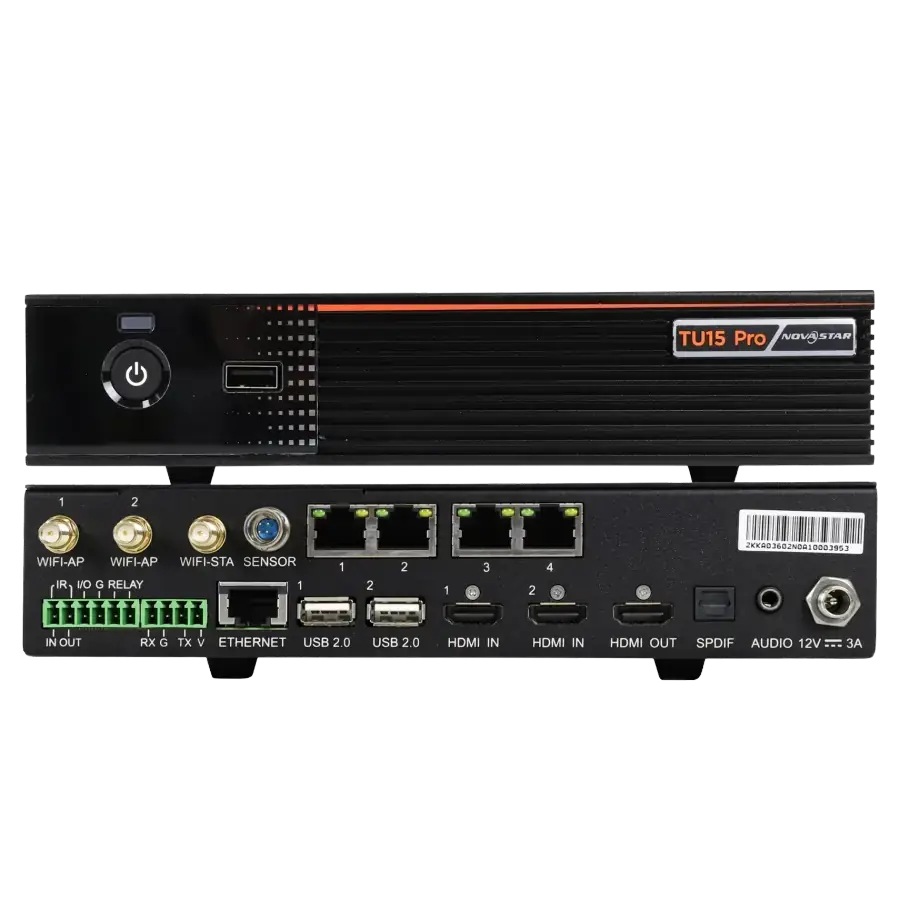
The NovaStar TU15 Pro is a smart all-in-one LED controller choice for LED display systems that need simple daily content operation along with professional display control. It is useful for indoor LED display projects, retail signage, meeting room displays, school and university screens, and corporate communication walls where operators prefer an integrated control and playback workflow. Arozex Technologies confirms resolution, content method, network access, and receiving card compatibility before deployment.
LED display control products should be checked with the full screen design before purchase or replacement.
Confirm the sending device, receiving card, firmware, cabinet file, and software workflow before installation.
Total pixel count, cabinet quantity, Ethernet loading, and content source determine whether the control system has enough capacity.
Save cabinet files, scan settings, mapping data, and firmware details so future service work can be done safely.