
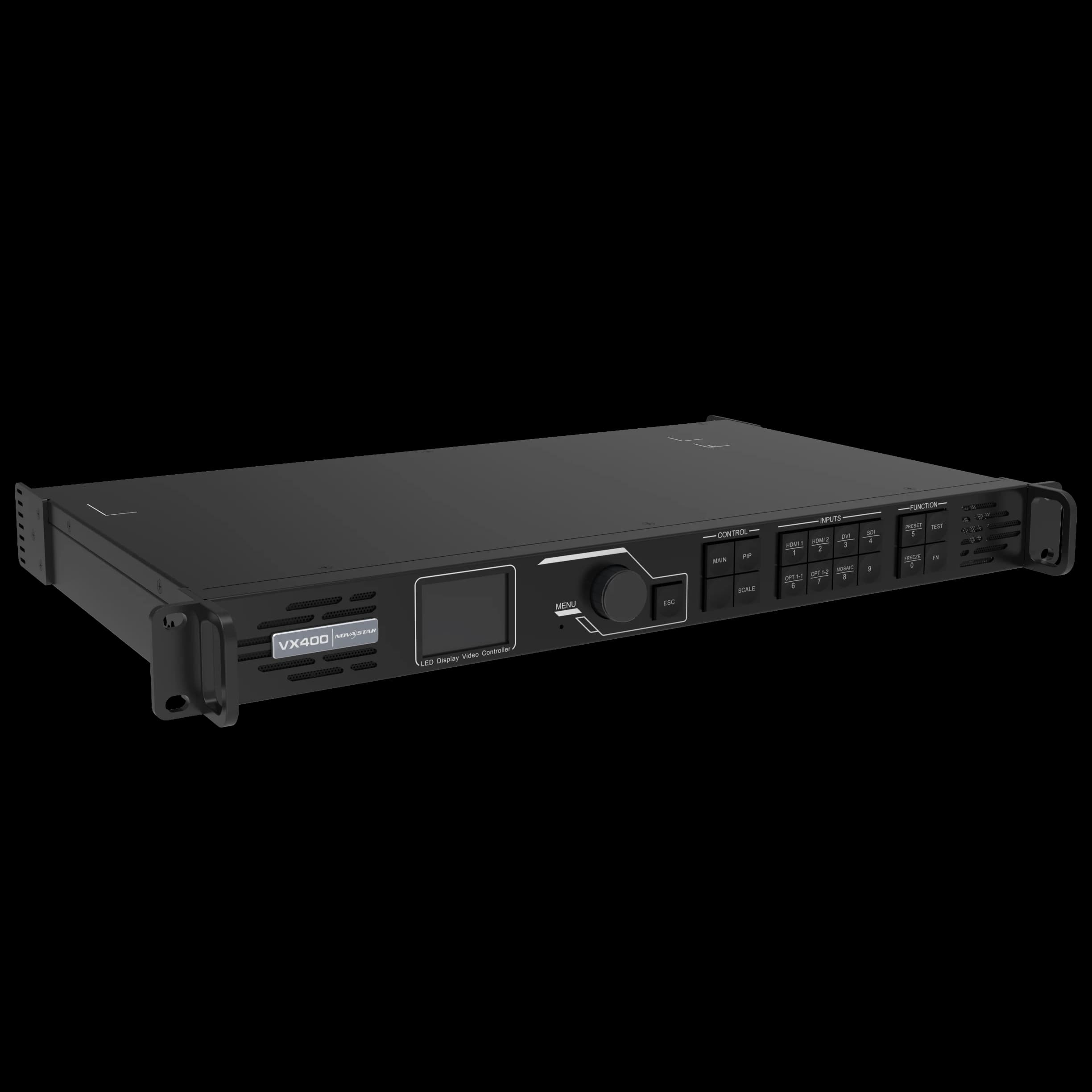
NovaStar VX600 LED Video Processor
The NovaStar VX600 is a professional all-in-one LED Display Controller and LED video processor for medium and larger LED screen projects. It is selected when a display needs stable source handling, practical scaling, reliable sending capacity, and a clean commissioning workflow for indoor LED displays, outdoor LED displays, and event LED screens.
Arozex Technologies supplies and configures the VX600 in Bangladesh as part of complete LED Display systems, including controller sizing, receiving card matching, cabinet mapping, testing, backup file handover, and operator training.
Explore Related LED Display Solutions
Explore LED display solutions, components, and related product categories.
Related LED Controller Products
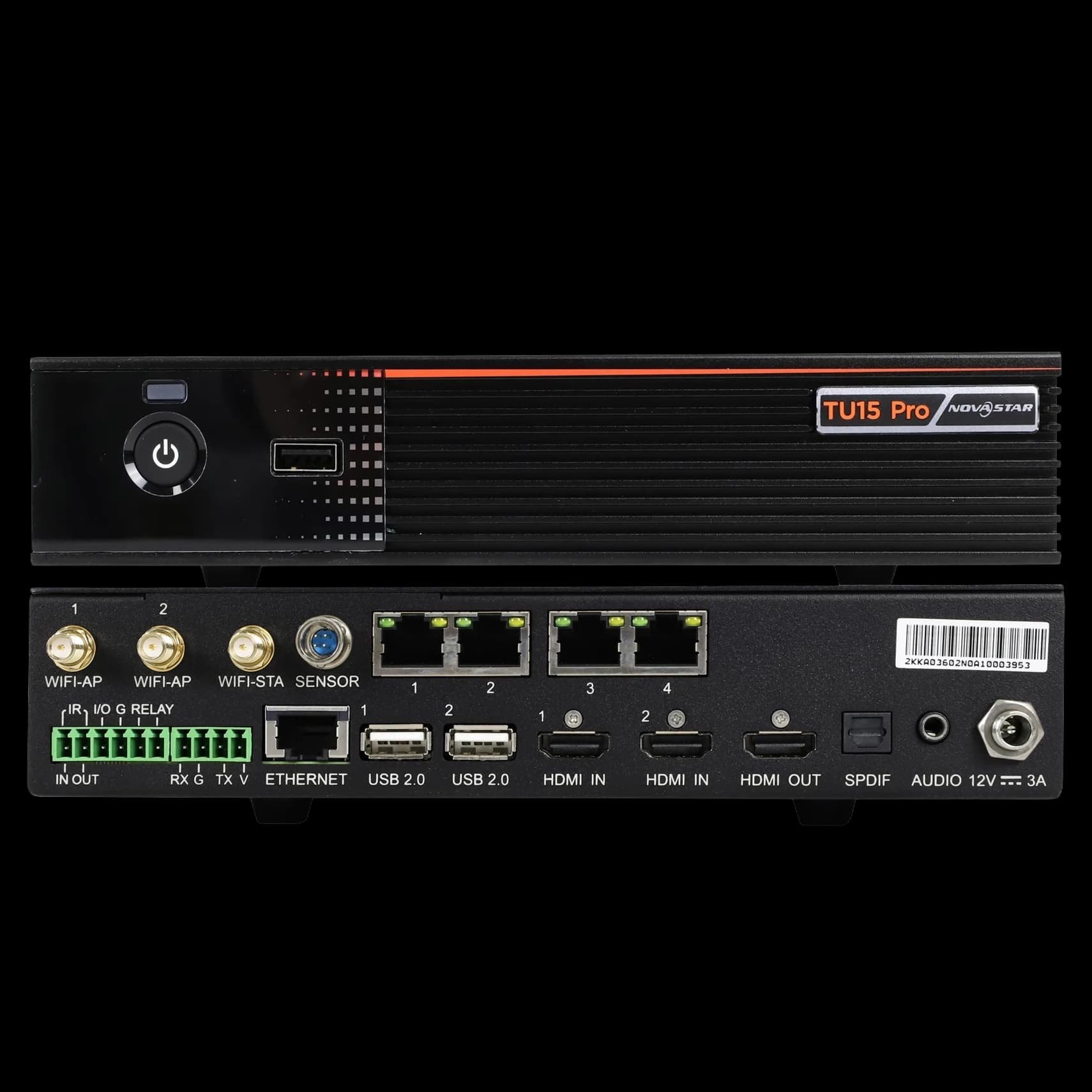
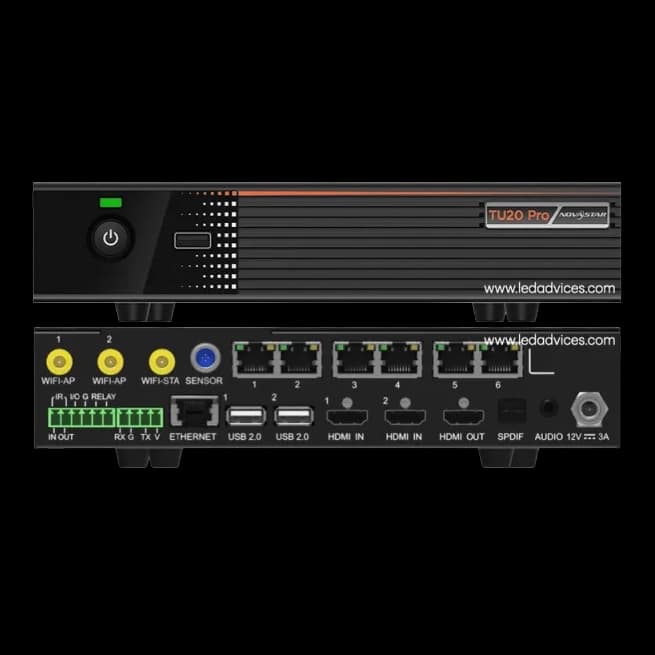
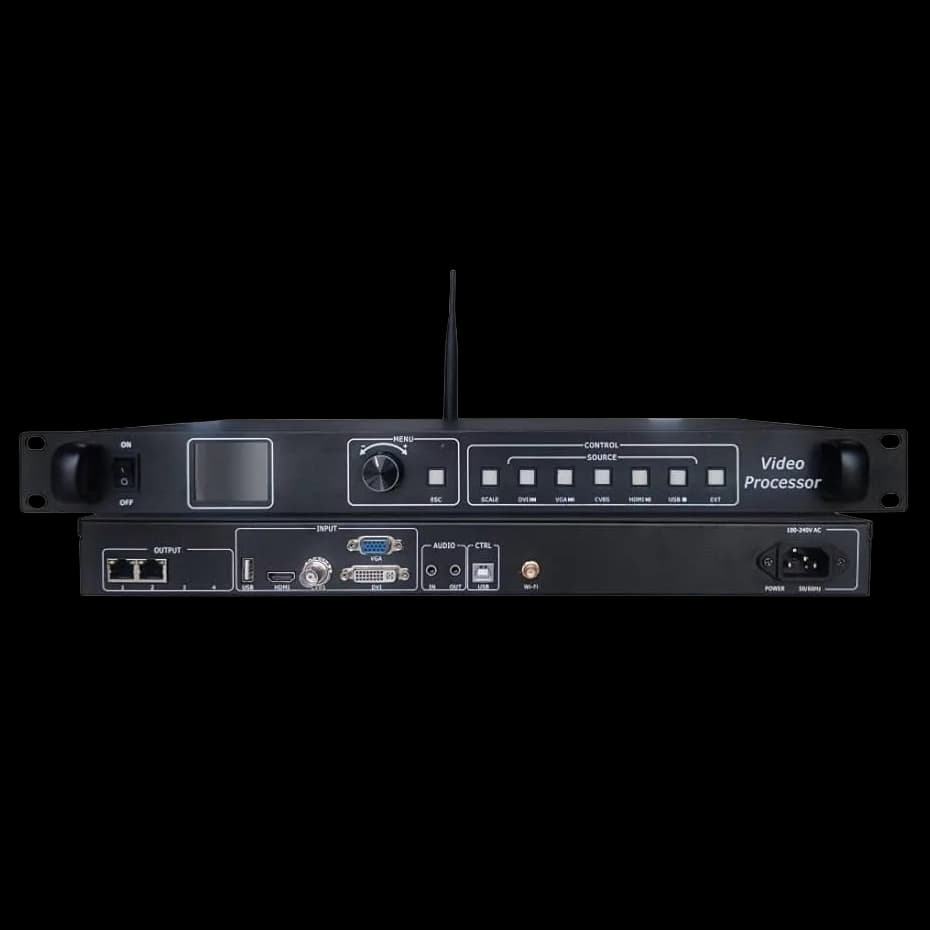
Compare the NovaStar VX600 with related controller and LED display products using the same product card layout as the main LED Display page.
Overview
The VX600 sits between the video source and the LED display cabinets. It accepts input from a laptop, media player, switcher, camera workflow, signage player, or control-room source, then processes the image and sends mapped data to compatible NovaStar receiving cards. In a real project, this means fewer separate boxes, simpler wiring, and a more predictable handover than a loosely assembled control chain.
For corporate buyers and government procurement teams, the VX600 is useful because it gives a defined controller class for professional screens. For system integrators and installers, it provides a familiar NovaStar workflow for mapping, output loading, source testing, and service documentation. For event teams, it offers a practical processor-controller path for LED backdrops, presentation screens, and sponsor content where stable switching matters.
Key Features
All-in-one workflow
Combines LED video processing and sending control in one professional unit, reducing rack complexity for many fixed and event installations.
Professional loading class
Suitable for medium and larger LED screens when port loading, screen resolution, and receiving card layout are properly engineered.
NovaStar ecosystem
Works within the wider NovaStar controller and receiving card environment used by many professional LED installers.
Flexible display canvas
Supports custom LED screen layouts such as wide stage backdrops, showroom walls, conference displays, and outdoor advertising screens.
Service-friendly setup
A properly commissioned VX600 project can include screen files, port maps, receiving card configuration, and operator notes for future support.
Bangladesh project fit
Well suited for commercial LED displays where source reliability, installer familiarity, and after-sales support matter as much as hardware cost.
Technical Specifications
| Specification | VX600 Planning Detail |
|---|---|
| Product type | All-in-one LED video processor and LED display controller |
| Brand | NovaStar |
| Loading class | Commonly planned around 3.9 million pixels, subject to final data sheet and configuration |
| Sending outputs | Six Gigabit Ethernet output class for LED display data transmission |
| Control use | Fixed installation, corporate display, event LED wall, outdoor display, and rental screen workflows |
| Configuration scope | Input setup, output mapping, receiving card file, screen connection, brightness, and backup files |
| Best paired with | Compatible NovaStar receiving cards, suitable LED cabinets, and properly calculated port loading |
Exact limits should be confirmed during project engineering. The safe method is to calculate total screen pixels, divide the display across output ports, then confirm that the selected receiving cards and cabinet wiring match the intended scan and refresh behavior.
Ports & Connectivity
A VX600 installation should be designed around the complete source path. Typical projects use HDMI, DVI, SDI, or processor-fed video sources depending on the AV system. The output side uses Ethernet links to the receiving cards installed in the LED cabinets. Control and configuration are handled through NovaStar software workflow by a trained technician.
| Connection Area | Practical Use | Installer Check |
|---|---|---|
| Video inputs | Laptop, media player, camera switcher, signage player, or AV matrix output. | Confirm source resolution and refresh before handover. |
| LED outputs | Ethernet output ports feed the cabinet receiving card chain. | Balance pixel load across ports and label each cable. |
| Control connection | Used for setup, mapping, monitoring, and configuration file upload. | Keep software version and backup files with the project record. |
| Signal extension | Large venues and outdoor screens may require longer cable routes or fiber planning. | Avoid untested long copper runs in critical installations. |
Maximum Loading Capacity
Maximum loading capacity is where many LED projects go wrong. The controller is not selected by square feet; it is selected by pixel width multiplied by pixel height. A fine-pitch P1.86 indoor screen can require more controller capacity than a physically larger P6 outdoor billboard. For VX600 planning, Arozex treats the unit as a professional medium-to-large loading class controller, commonly around 3.9 million pixels with six Ethernet output planning.
The correct engineering process is to calculate the exact LED canvas, assign cabinets to output ports, check maximum width and height limits, confirm receiving card capacity, then test the real source format. This is especially important for unusual aspect ratios, wide rental backdrops, and public displays that must run long hours with minimal downtime.
Supported Receiving Cards
The VX600 should be used with compatible NovaStar receiving cards selected for the LED module, cabinet design, refresh target, grayscale requirement, and scan type. Arozex verifies the receiving card model before configuration because the controller, receiving card, module, and cabinet file must work as one system.
| Receiving Card Factor | What to Confirm |
|---|---|
| Brand ecosystem | Use compatible NovaStar receiving cards unless the project has been specifically engineered otherwise. |
| Cabinet file | Keep the receiving card configuration file and screen connection file after commissioning. |
| Firmware | Check controller and receiving card firmware compatibility before upload. |
| Refresh and grayscale | Match card performance to camera-facing, indoor, outdoor, or rental display requirements. |
Compatible LED Modules
The VX600 can support many LED module families when the receiving card, hub interface, scan type, and cabinet configuration are correct. Compatibility is therefore not only a controller question. A P2 indoor module, P3 stage module, P4 outdoor module, and P6 billboard module can all have different cabinet and receiving card requirements.
For new projects, Arozex matches the LED module and receiving card before controller programming. For upgrade projects, the team first identifies the existing module size, cabinet resolution, card model, and cable route. This prevents the common mistake of replacing a processor while leaving an unknown receiving card configuration inside the screen.
Compatible Indoor Displays
The VX600 is a strong fit for professional indoor displays where the client expects a clean presentation workflow instead of a basic media player. Common indoor projects include boardroom LED walls, reception displays, showroom screens, school auditoriums, university lecture halls, command rooms, and branded retail walls. In these environments, the controller must handle normal business sources such as laptops, signage players, conference systems, and media playback devices without forcing the operator to rebuild settings every time the source changes.
Indoor compatibility depends heavily on pixel pitch. A P1.86 or P2 screen may look modest in physical size but carry a high pixel load, so Arozex checks total resolution before confirming the VX600. For close-view Indoor LED Display work, the commissioning team also checks low-brightness grayscale, text clarity, refresh behavior, and whether the content team will use standard 16:9 material or a custom canvas.
| Indoor Display Type | Why VX600 Fits | Commissioning Focus |
|---|---|---|
| Boardroom LED wall | Stable laptop and presentation source handling. | Canvas size, low brightness, readable text, and backup file. |
| Showroom display | Good for brand video, launch content, and scheduled playback sources. | Color consistency and simple operator workflow. |
| Control room wall | Useful where a processor-controller must support dependable mapped output. | Source chain, uptime process, and service documentation. |
Compatible Outdoor Displays
Outdoor displays ask more from the control system because the controller is only one part of a harsher operating environment. A VX600 may be used for roadside screens, public information boards, facade displays, stadium areas, transport displays, and commercial billboards when the screen resolution and output loading fit the unit. The outdoor design must also account for long signal paths, grounding, weather exposure, maintenance access, and scheduled brightness changes between day and night operation.
For an Outdoor LED Display, Arozex reviews the full cabinet route before finalizing the controller. The output map should be service-friendly because outdoor repairs often happen in difficult access conditions. The controller location should remain dry, ventilated, protected from unstable power, and easy for a technician to reach. When the display is used as an advertising surface, the content source and restart method must be simple enough for the media operator to manage without disturbing the receiving card configuration.
| Outdoor Display Type | VX600 Planning Note | Risk to Avoid |
|---|---|---|
| Roadside billboard | Check P4, P5, P6, or P8 resolution against output capacity. | Do not choose by screen width alone. |
| Building facade | Plan cable route, controller location, and service access early. | Avoid undocumented cabinet routing. |
| Public information screen | Prioritize stable restart, brightness schedule, and operator simplicity. | Avoid complex source workflows for simple daily use. |
Compatible Rental Displays
Rental LED displays need fast deployment, repeatable configuration, and field discipline. The VX600 can serve event screens, temporary conference backdrops, stage LED walls, exhibition booths, campaign displays, and production screens where the same cabinets may be rebuilt in different sizes from one event to the next. The controller should travel with organized port maps, tested cables, saved configuration files, and an operator who understands how to build a screen from cabinet order instead of guessing during show setup.
The most important rental habit is to save clean baseline files. If the LED wall is rebuilt as a wider or taller screen, the technician can start from a known configuration and adjust the connection map instead of recreating the entire project under time pressure. For event companies, Arozex recommends labeling sender outputs, carrying spare data cables, testing all source devices before doors open, and keeping one approved fallback resolution for emergency playback.
| Rental Display Use | VX600 Advantage | Setup Discipline |
|---|---|---|
| Stage backdrop | Handles custom wide LED canvases for event content. | Confirm source aspect ratio and pixel map before rehearsal. |
| Exhibition booth | Useful for repeatable brand display setups. | Keep a booth-specific configuration backup. |
| Temporary conference wall | Works well for laptop, media, and switcher-fed content. | Test every presenter source before the program starts. |
Applications
Corporate LED walls
Conference rooms, lobbies, command rooms, and presentation screens that need stable laptop and media playback.
Government displays
Procurement-friendly controller class for public facilities, control rooms, transport displays, and institutional screens.
Event LED screens
Stage backdrops, sponsor walls, auditorium screens, and live event content where source handling must be predictable.
Outdoor media
Billboards and public-facing screens when brightness, cable route, and operating schedule are engineered correctly.
Retail and showroom
Brand walls, launch displays, and commercial signage where a clean image and simple handover matter.
Education venues
University halls, training rooms, and auditorium LED displays that need a dependable processor-controller workflow.
Installation Guide
Start with the display drawing, not the controller box. Confirm screen width, height, pixel pitch, cabinet count, receiving card position, power distribution, source device, and operator location. Mount the VX600 in a ventilated rack or control location, label the input and output cables, connect the source, then route Ethernet outputs according to the approved cabinet map.
After wiring, power the display in a controlled sequence and verify that every cabinet receives data. Test the display with color fields, grayscale ramps, motion content, text, and the client's real presentation or signage content. For outdoor and rental projects, also check cable strain relief, grounding, weather exposure, and backup source behavior.
Configuration Guide
Configuration begins by setting the correct input resolution and output canvas. The technician then loads or creates the receiving card configuration, maps the cabinet connection order, assigns output ports, adjusts brightness and color, and saves the final files. A professional handover should include the screen connection file, receiving card file, firmware notes, port map, source settings, and basic operating instructions.
The best configuration is boring in daily use. Operators should know which input to select, how to restart the source, how to adjust brightness safely, and whom to call if the screen shows partial output. That discipline matters more than adding unnecessary features the client will never use.
Troubleshooting
| Symptom | Likely Cause | First Action |
|---|---|---|
| No image | Wrong input, source resolution issue, cable fault, or output disabled. | Check selected input, source format, and controller status before touching cabinets. |
| Partial screen missing | Port mapping, Ethernet cable, receiving card, or cabinet power issue. | Follow the mapped output route and inspect the first missing cabinet in the chain. |
| Stretched image | Incorrect canvas, scaling mode, or source aspect ratio. | Confirm processor output resolution and screen canvas settings. |
| Flicker on camera | Refresh setting, scan configuration, or camera shutter mismatch. | Check receiving card configuration and test with the actual camera settings. |
| Color mismatch | Calibration file, module batch, brightness setting, or replacement card issue. | Reload known backup files and compare cabinet/module batch data. |
Downloads
Arozex can provide project-specific VX600 handover files after supply and commissioning. Useful downloads normally include the quotation sheet, controller setup record, screen connection diagram, receiving card backup file, port map, operator checklist, and warranty or service note. Public datasheets and software should be verified against the current NovaStar release before installation.
FAQ
Is the NovaStar VX600 a controller or a video processor?+
The NovaStar VX600 works as an all-in-one LED video processor and sending controller. It processes video input, scales the image, manages output mapping, and sends display data to compatible NovaStar receiving cards.
What is the maximum loading capacity of the NovaStar VX600?+
For project planning, the VX600 is commonly specified around a 3.9 million pixel loading class with six Gigabit Ethernet outputs. Final loading should always be checked against the current NovaStar data sheet, firmware, screen width, screen height, and port mapping.
Can the VX600 run indoor and outdoor LED displays?+
Yes, when the screen resolution, receiving cards, cabinet configuration, brightness workflow, and signal route are compatible. It can be used for indoor LED displays, outdoor LED displays, and rental LED displays after engineering verification.
Which receiving cards are suitable for the VX600?+
The VX600 should be paired with compatible NovaStar receiving cards selected for the LED module, cabinet, scan type, refresh requirement, and calibration workflow. Arozex verifies the receiving card model before final configuration.
Does Arozex configure the NovaStar VX600 in Bangladesh?+
Yes. Arozex Technologies supports VX600 supply, screen mapping, receiving card configuration, source testing, brightness and color setup, backup file handover, operator training, and after-sales troubleshooting in Bangladesh.